

Before a run starts
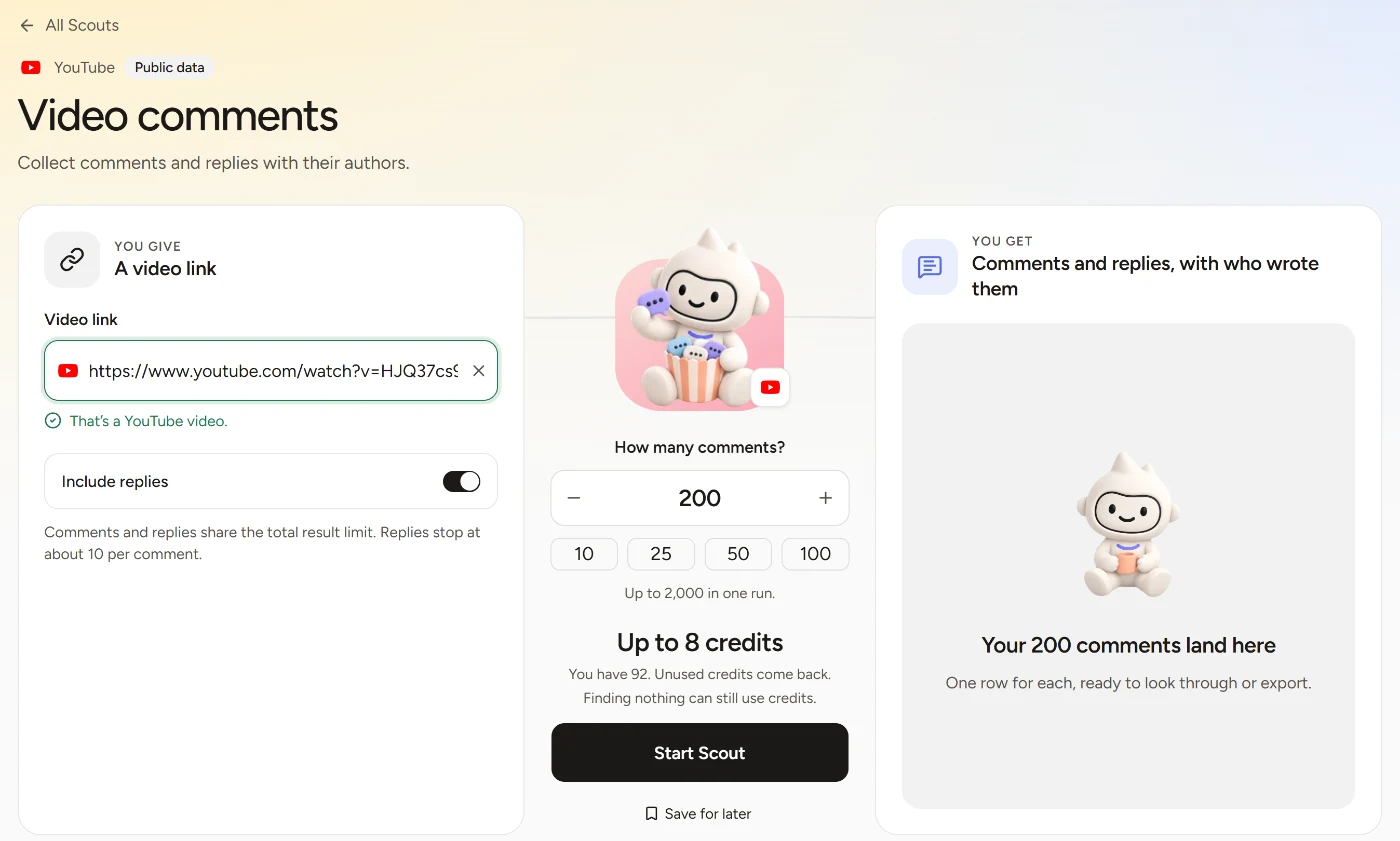
The form shows the most a run can cost, next to your balance. You need that many free credits to start it.
If you're short, the form says how many more you need, and the button changes to Get credits. Nothing starts until you have enough.
While it runs
The credits on the form are set aside for this run. They leave your balance when it starts, so another run can't use them.
A run that stops to wait for you is marked Needs you. Its credits stay set aside until you pick it up or stop it.
Picking it up doesn't charge you again.
When it ends
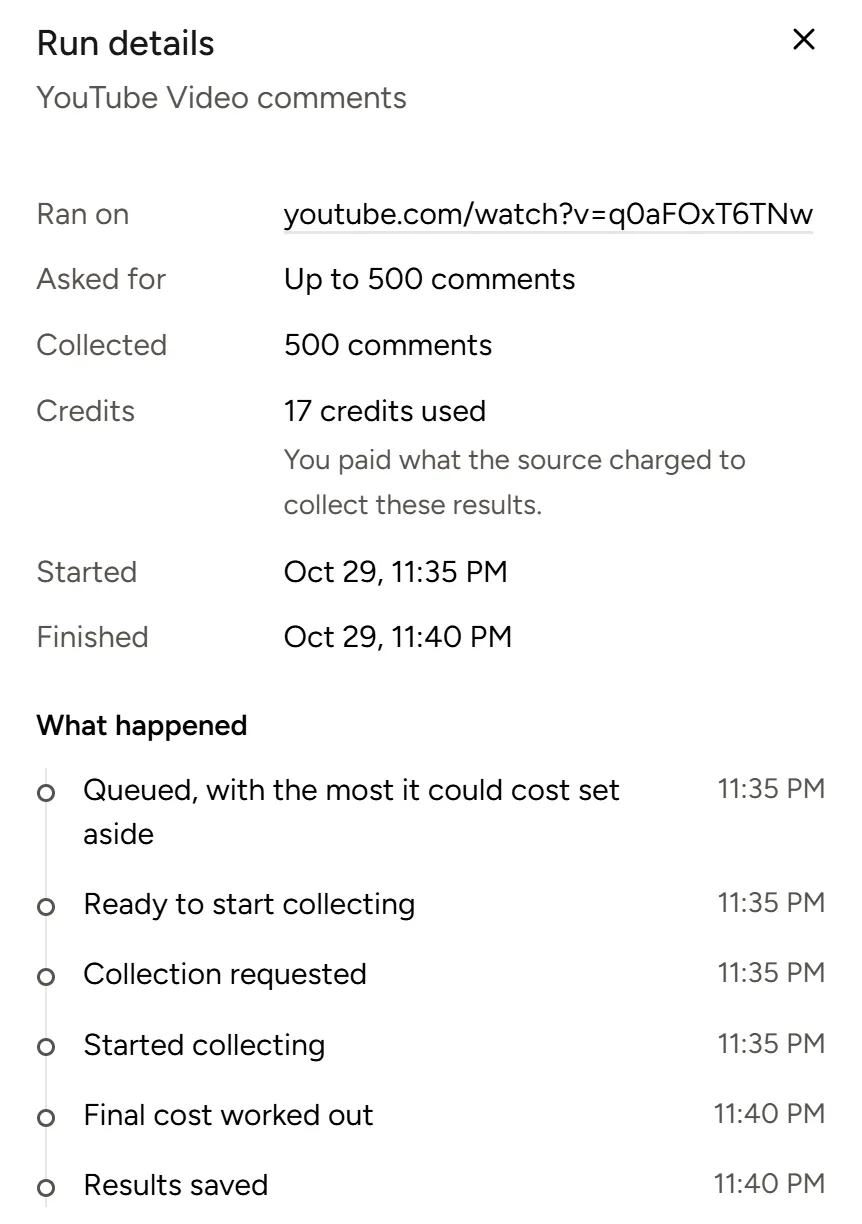
When the run ends, CrowdYeti works out the final cost and gives back the rest. Run details shows what you paid, with one line on why.
| How the run ended | What you pay |
|---|---|
| It finished | What the source charged |
| The source broke and saved nothing | Nothing |
| The search found nothing | What the source charged for the search |
| The source stopped partway | The work it did, and you keep what it saved |
| You stopped it | What the source did before it stopped |
| It waited too long to start | Nothing |
How much goes back
It depends on the source. Our TikTok creator search set aside 6 credits and used 4. Our X profile run set aside 36 and used 1.
Workflows and AI steps
Before a workflow starts, Review your workflow run shows its Maximum credits.
Each Scout in the workflow sets aside its own credits when its step starts. The workflow doesn't charge you a second time.
An AI step sets aside credits by the number of records. DeepSeek V4.1 Flash sets aside 1 credit for every 5 records, and GPT-4.1 mini sets aside 3.
The credits the AI step leaves unused go back to your balance.
What costs nothing
- Seeing the price on a Scout form.
- Searching results you already saved.
- Exporting or downloading results.
- Chatting with the Assistant.
Where to see your credits
Your balance is under Credits remaining at the bottom of the menu.
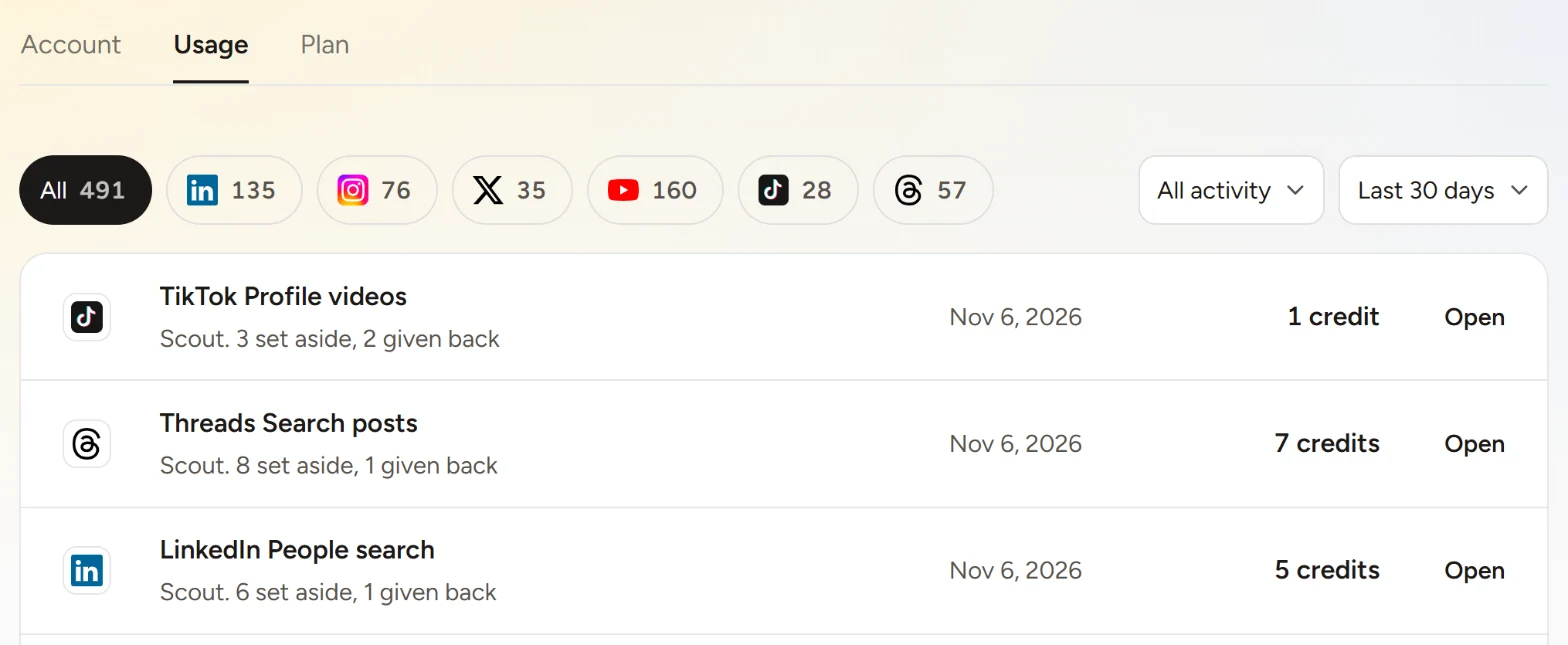
Settings → Usage shows one row for each run, with the credits it used. Open on a row takes you to that run.
Use the platform buttons or the two dropdowns to narrow the list, for example to Workflow runs in the Last 7 days.
Questions people ask
Why did a search that found nothing cost credits?
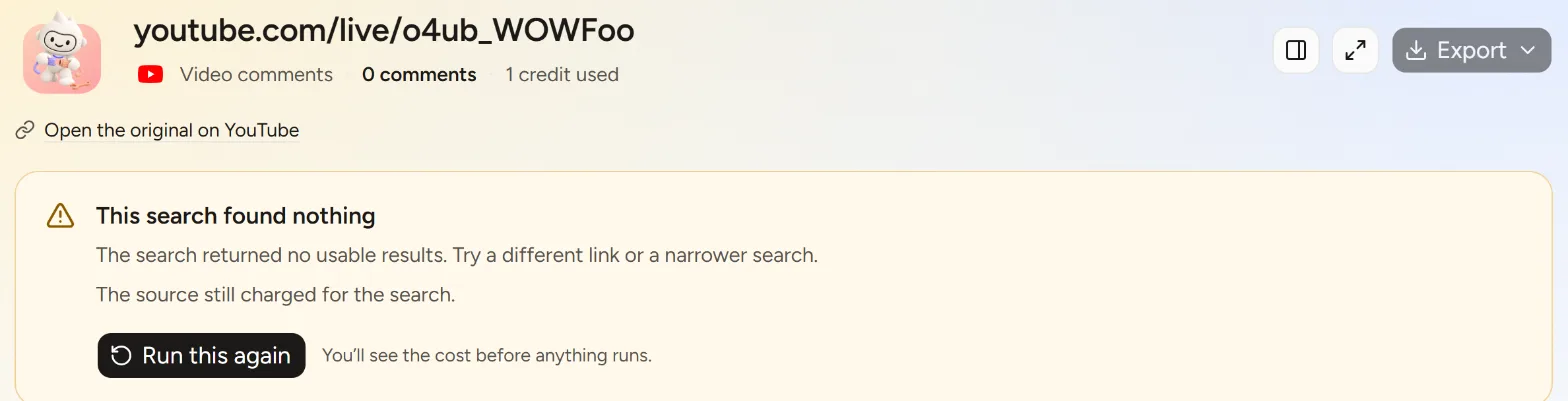
Some sources charge for the search itself, even when it finds nothing. The run then shows "The source still charged for the search."
Our test on a YouTube live stream with no comments found 0 and used 1 credit.
Do I get credits back if I stop a run?
Yes, for the part the source didn't do. If you stop a run before the source charges anything, you pay nothing.
If it already did some work, you pay for that work and the rest goes back to your balance.
Why can't I start a run?
If the form says you need more credits, your balance is lower than the most the run can cost. Ask for fewer results, or use Get credits.
Do unused credits roll over?
No. Plan credits refresh each month, and unused ones expire.
Extra credits carry over while your plan runs, up to 12 months.
If your plan ends, extra credits end with it.
Plan credits are used first.
Unused trial credits expire when the trial ends.
Next step
The pricing page lists each plan's monthly credits and the extra credit rates.
See plans and credits