


LinkedIn won't export other people's comments
LinkedIn's data download includes the comments you wrote. It leaves out comments other people left, even on your own posts.
Its API only shares comments with page admins and approved partners. For most posts, LinkedIn gives you no way to download the comments.
Three kinds of tools
| Kind of tool | What it needs from you | Whose account does the work |
|---|---|---|
| Browser extension | Runs in your logged-in browser | Yours |
| Cloud tool with your cookie | A session cookie you copy from your browser | Yours, from the tool's servers |
| No-login service | The post link | Not yours |
Why the cookie matters
A session cookie works like a key to your logged-in account. Whoever holds it can act as you until it expires.
LinkedIn's help pages say accounts that use scraping tools or extensions can be restricted or shut down. When a tool runs on your cookie, that risk falls on your account.
What CrowdYeti asks for
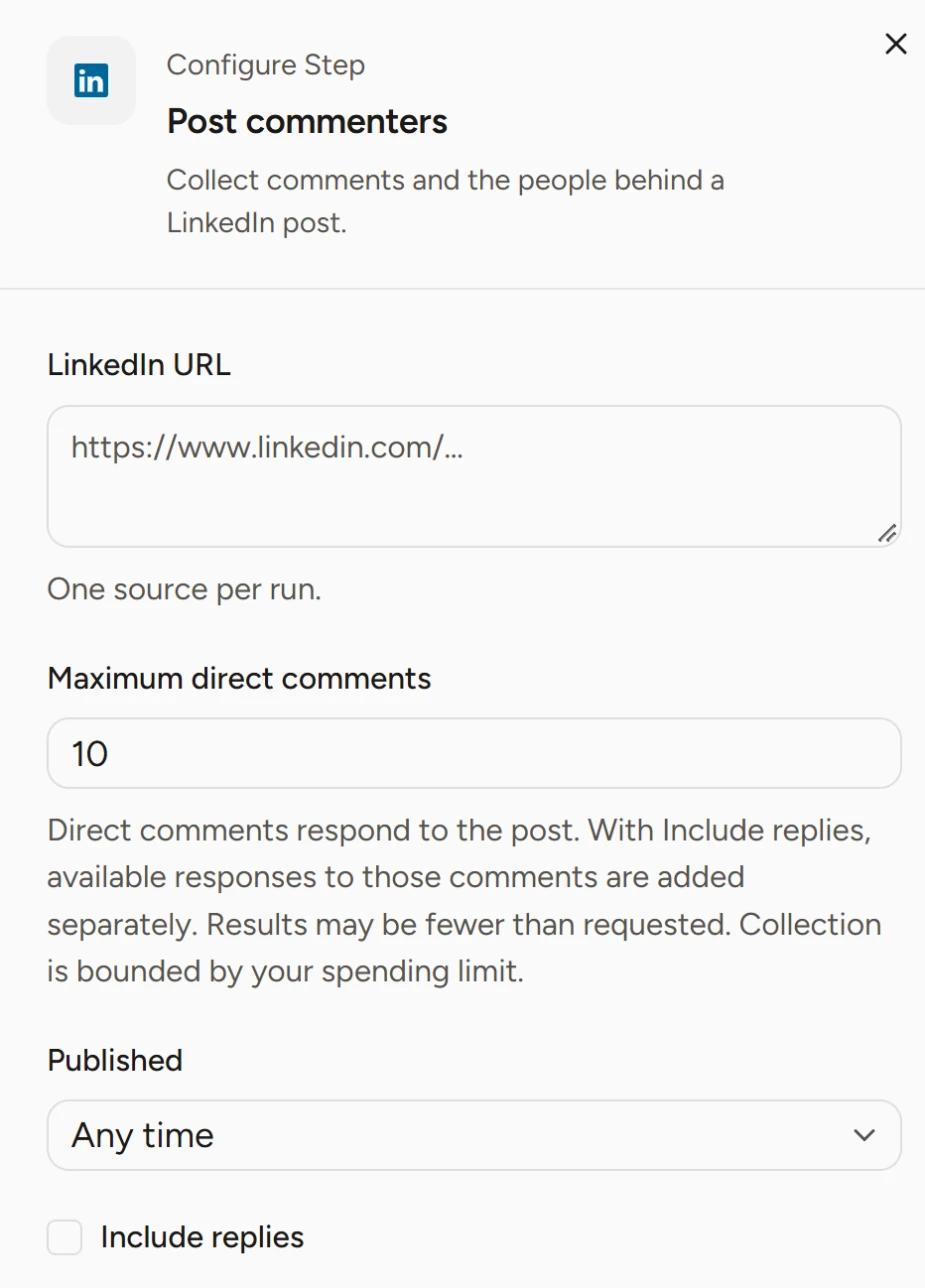
CrowdYeti asks for the post link and nothing else. It never posts or messages anyone for you.
What you get back
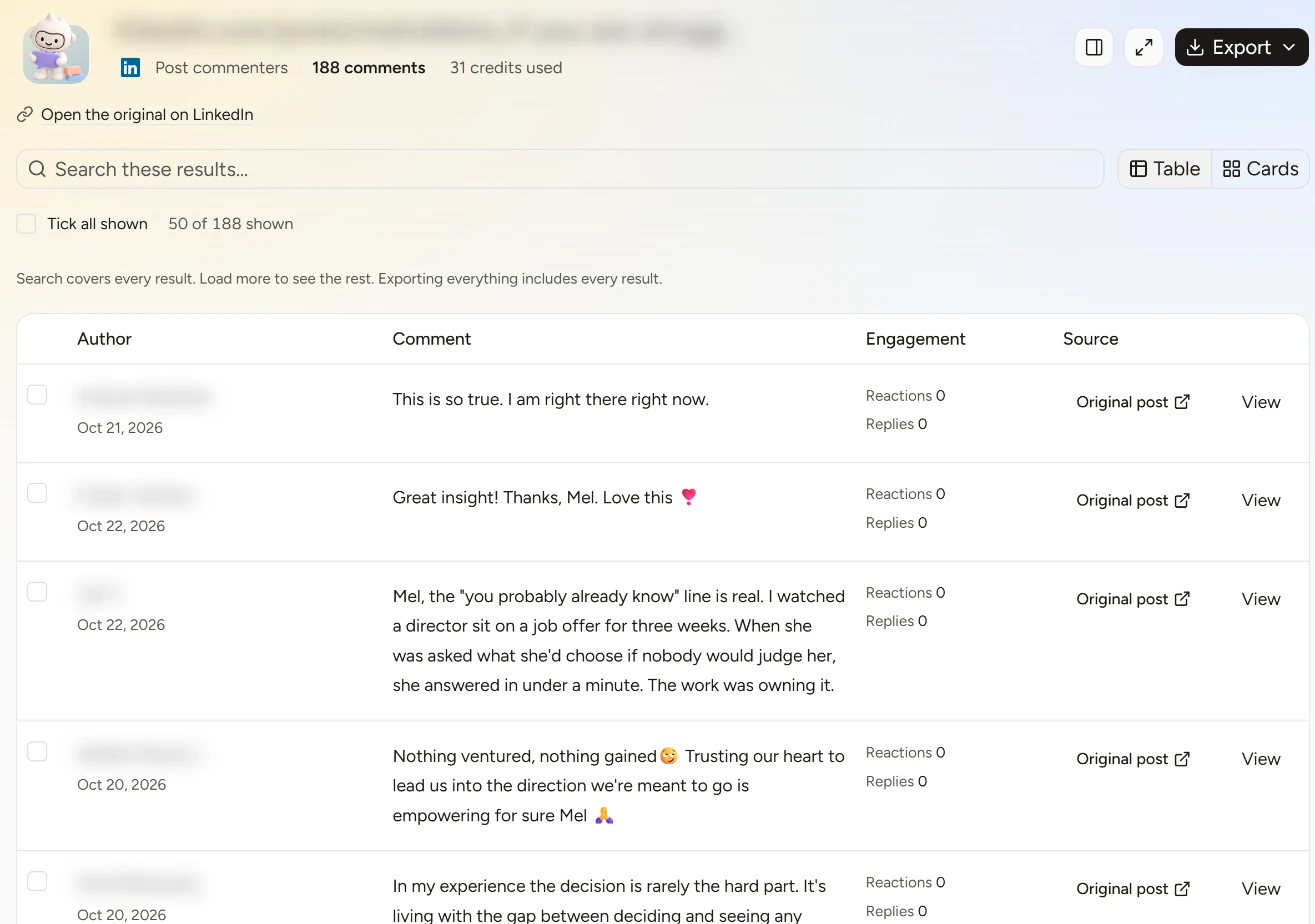
- The comment text and when it was posted
- The commenter's name and profile link
- How many reactions and replies the comment got
- A link to the post
- Their headline, experience and skills, if you add the Profile details step
- CrowdYeti doesn't look up email addresses or phone numbers.
Try it yourself
The LinkedIn playbook shows a real run, from post link to spreadsheet.
Open the LinkedIn playbook