

Find a run
Data lists your runs, newest first. Search by link, @name or Scout to find an older one. Collecting shows the runs still going.
Search inside a run
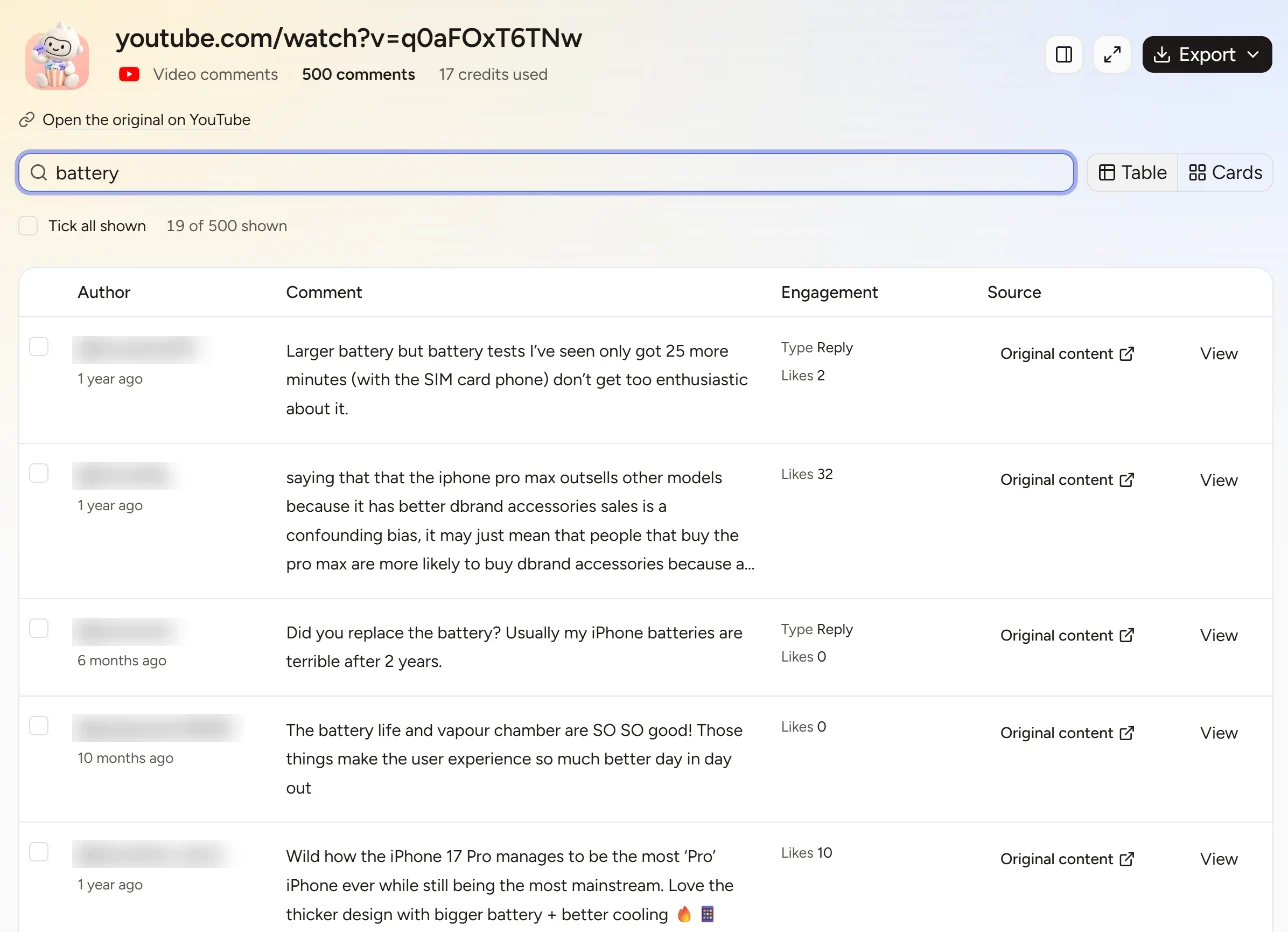
Open a run and type a word in Search these results. CrowdYeti looks through every saved result, and the count shows how many match.
Tick all shown ticks every result the search found, ready to export.
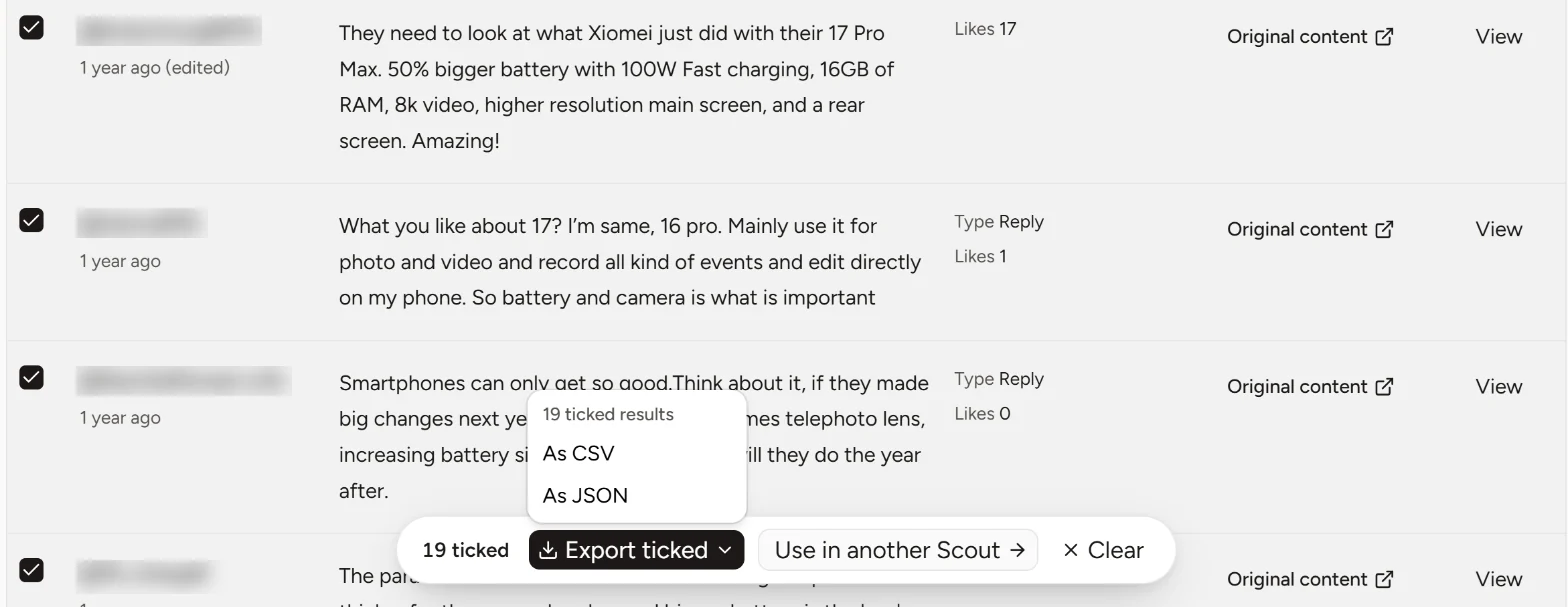
Download all of it, or only what you ticked
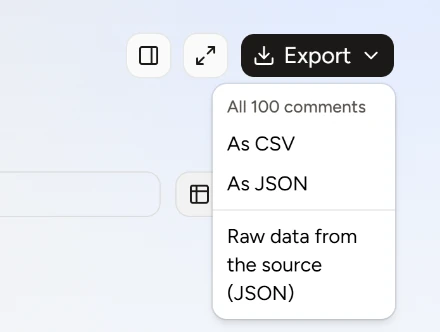
Export at the top of a run gives you every result as CSV or JSON. Once you tick results, the menu also offers only the ticked ones.
Raw data from the source (JSON) is the file as the source sent it. Most people want CSV.
Downloads unlock after your first payment.
Workflow results
A workflow with an Export results step makes its file at the end. Open the run, choose that step and use Download results.
When a download stops working
CrowdYeti keeps each export file for 7 days. After that the run says the export has expired, and Export makes a fresh one.
If you download many files within a few seconds, the app says Too many downloads. Wait a minute and try again. Each account can download 300 files a day.
How long results stay
CrowdYeti deletes collected results 12 months after collection. Download anything you want to keep for longer.
To delete a Scout run's results sooner, open Run details and use Delete saved results. It appears on finished Scout runs you started on their own.
Deleting removes the results and export files CrowdYeti keeps. The run's history and billing stay, and files you already downloaded stay on your computer.
Questions people ask
Does downloading use credits?
No. Searching, ticking and exporting results you already saved are free. Credits pay for collecting.
Why is Export greyed out?
The run saved no results, or an export is still being prepared. Wait for the export to finish, then try again.
Can I get my results back after deleting them?
No. Delete saved results removes them for good. Download a copy first if you might need them.
Next step
The YouTube search guide walks through searching 500 comments and downloading the ones that matter.
Open the search guide