
What you get
X only lets you download an archive of your own account. For anyone else's posts, you need a tool.
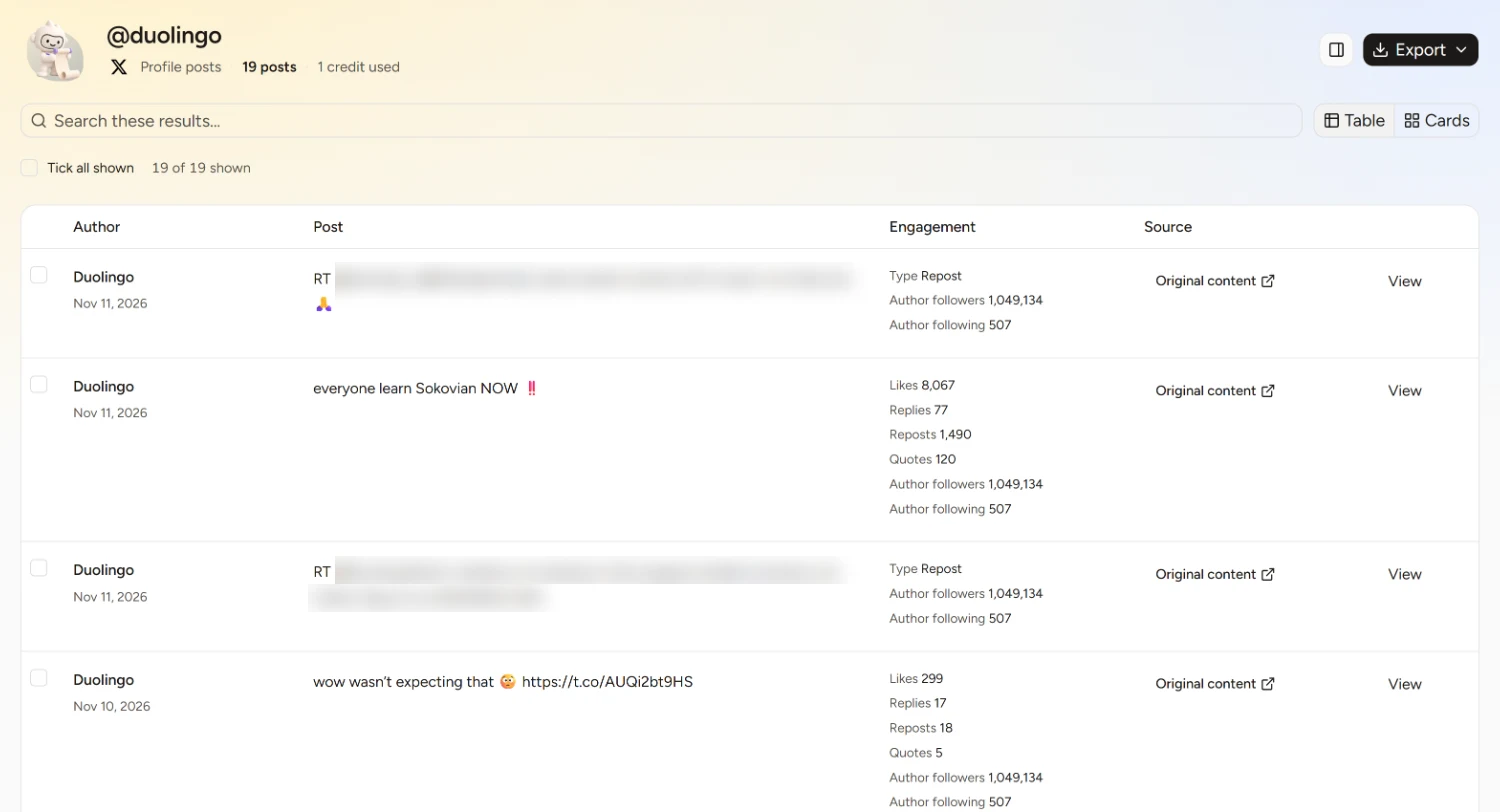
The Profile posts Scout reads a public timeline. Each row has the post text, date, likes, replies, reposts and quotes, with a link to the post.
We asked for 25 of Duolingo's posts and got 19, all from the past week. 15 were reposts, each marked as a repost with no counts of its own.
Step by step
- Open the Profile posts Scout: Type the username, like duolingo, or paste the profile link from x.com or twitter.com.
- Set how many posts: Choose up to 2,000. The number is a maximum, so you may get fewer.
- Start the Scout: The button shows the most it can cost. Ours set aside 19 credits and used 1.
- Keep only posts with a word: To keep posts that mention a word, open the Explore a public timeline template and fill in Keep text containing.
- Export: Export all posts or the ones you tick, as CSV or JSON. Downloads unlock after your first payment.
What a real run returned
| Profile | Asked for | Got | Credits used | Time |
|---|---|---|---|---|
| Duolingo | 25 | 19 posts, 15 of them reposts | 1 | 1 min 25 s |
Good to know
- Reposts are included. Each one is marked Repost and has no likes or other counts of its own.
- For some accounts the posts are years old, so check the dates. Recent posts collects the newest ones.
- Replies the account wrote are marked Reply.
- The table shows likes, replies, reposts and quotes for each post the account wrote.
- CrowdYeti doesn't sign in to X or use your account.